
Stop working prompt by prompt. Start working at the highest level of your profession.
You already use AI. This workshop moves you from prompting one request at a time to working as a communications professional equipped with the tools to do the job at the highest level. It is a live workshop for speechwriters and leadership communicators using AI to support briefings, speeches, communications plans, research, and live interview, panel and Q&A preparation.
Taught by me, Brent Kerrigan, an executive speechwriter and communications expert with more than 20 years in the trenches alongside you. I designed the workshop around the specific needs of communicators, with the technology in a supporting role.
Prompt by prompt is where most of us are stuck.
Do any of these sound familiar?
You use it, mostly in pieces.
A prompt here, a rewrite there. Useful, but cut off from the rest of your communications process, and it takes way too long to get something useful.
You want more than faster drafting.
Research, strategy, verification and rehearsal each offer something different, and each carries its own risk. You need AI to be more transparent, showing more of the steps it is taking.
You need a way of working that lasts.
Tools will keep changing. Your professional habits should not depend on whichever model is newest.
Getting AI to produce generic content is easy. Producing something you can stand behind is much harder.
Why we need to move beyond simple prompts.
Prompts are the foundation, and we start there. But how we work with AI has moved on. Instructions have become more precise, and the systems that follow them have become more capable. The goal is no longer to tell AI what to do. It is to work with a true assistant that understands exactly what it should do, what it must never do, and how to show its steps as it works with you, all while getting the results you want.
- Telling AI what to do
- A new instruction every time
- Hoping it stays inside the lines
- Judging the output at the end
- Working with an assistant that understands its role
- Instructions and context set up once and reused
- Clear limits on what it should and should never do
- Seeing the steps as it works, with human checkpoints along the way
Three questions turn an instruction into an assistant.
This is the framework at the heart of the workshop. Whatever tool or task we are working with, the same three questions come back.
What are you trying to achieve?
Start with what the communication must change, clarify or enable. The speech or the briefing note is the product. The intention is what it is for.
What does the AI need to know?
The evidence, audience, occasion and constraints, and everything around the work that the AI cannot see on its own.
What may it do, and what must it never do?
What may the system do, what must a person verify or decide, and where must it stop? Human checkpoints keep those judgments visible and yours.
AI models may change, but your workflows must endure.
A core that keeps evolving.
AI keeps changing, and so does what I teach. The workshop rests on a core of professional practice. I draw on a larger library of modules to choose what we cover in each cohort, and I set the mix for January closer to the date, using the state of AI and your feedback. These are the core topics:
Working with AI now
What has changed in how current models work, and what it means for the way you brief them, supply sources and use their tools.
Briefing, context & constraints
Give AI the intention, context, evidence and boundaries it needs, without leaning on elaborate prompt formulas.
Research & grounding
Find, question and organize information while keeping the underlying sources visible and traceable.
Verification & human checkpoints
Know where a person must verify, decide or approve before the work moves on.
Strategy & planning
Test arguments, compare options and examine audiences before the drafting begins.
Human authority & permission
Separate what AI can do from what you allow it to decide or do in professional communications work.
Guided conversations & repeatable workflows
Turn your strongest uses of AI into methods you can return to, from guided conversations to assistants and agentic approaches.
Audience testing & rehearsal
Use AI to question, challenge and prepare you and your principal for pressure.
- Voice & tone
- Making numbers land
- Executive briefings & decision support
- Crisis & scenario preparation
- Advanced agentic workflows
Help shape the January cohort.
If there is a challenge, workflow, communications task or question you want covered, tell me. Your input shapes the core as AI evolves.
I cannot promise every request will make the final program. Time is limited and the course needs a coherent structure, but I read every suggestion as I prepare the sessions and use it to decide where we spend our time.
What would make this course more useful to you?
You do not need to be registered yet.
Learn the method live. Practise it on your own time.
Each live session runs 90 minutes and includes specific exercises, with live feedback from me. Time in class is limited, so much of the practice happens on your own time, on your own work, with the course site and forum behind you.
7:00 p.m. Geneva · Paris · Brussels
Day One
90-minute live online session, with exercises and a short break.
7:00 p.m. Central Europe
Day Two
90-minute live online session, with exercises and a short break.
Day Three
90-minute live online session, with exercises and a short break.
Office hour
Bring your questions, problems or anything from the course you want to work through. One-to-one coaching can be booked separately at an additional cost.
Everything stays on one private course site.
Each session has its own password-protected page with the recording, lessons, resources and downloads. Individual lessons and modules can be downloaded as PDFs, and the site stays open to you for six months.
- Session recordings
- Lessons and modules, downloadable as PDFs
- Related resources and reference material
- A private participant discussion forum
- Six months of access after the program
The forum gives the cohort somewhere to keep exchanging questions, examples and discoveries. It is participant-led.
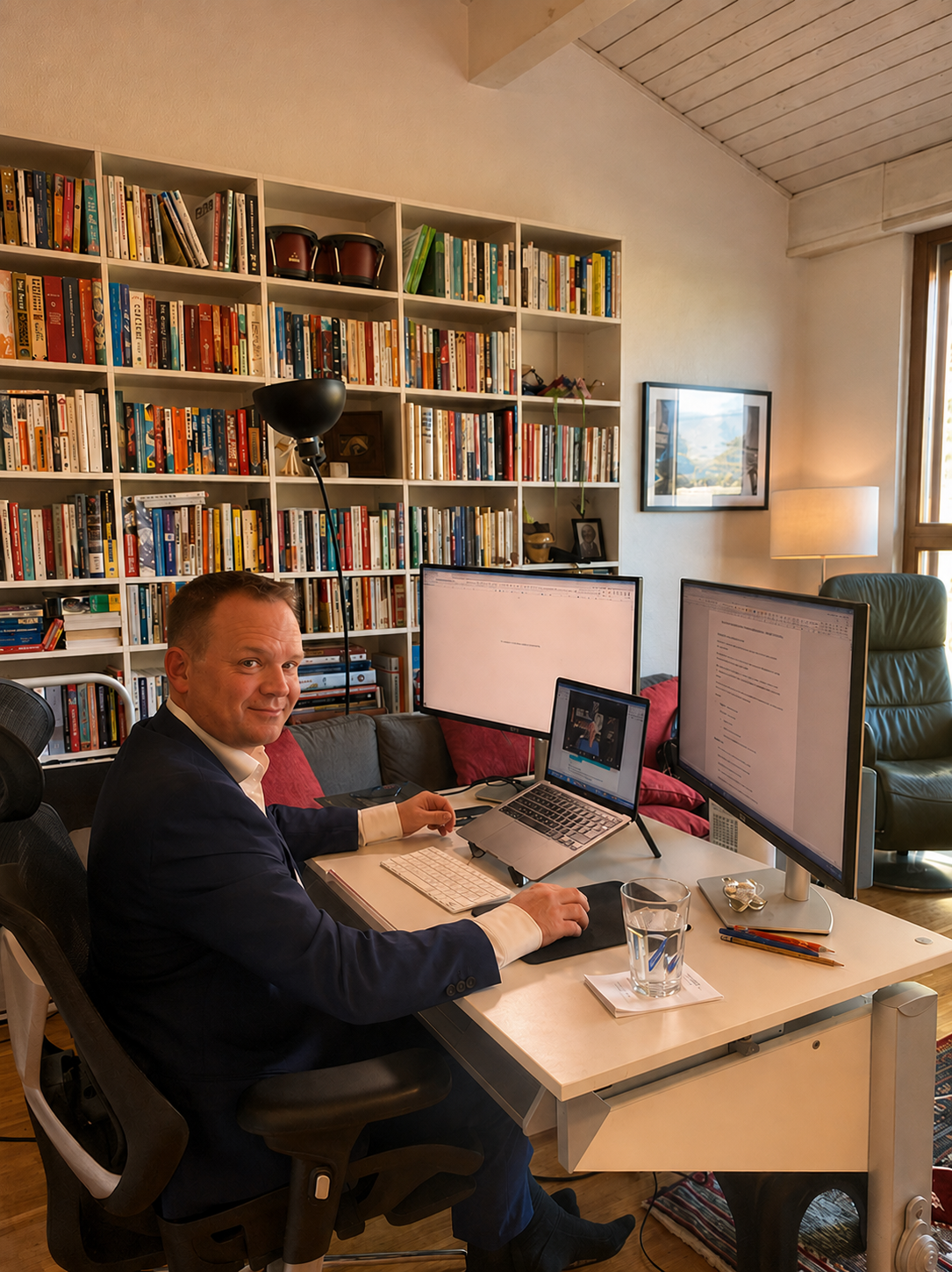
Taught by a working speechwriter.
I have spent more than twenty years in senior communications, including six years as Head Speechwriter at UN Climate Change. I still write speeches for global leaders, which keeps the training tied to real deadlines, real principals and real consequences.
I have worked with the Professional Speechwriters Association on this workshop and continue to do team training with them. This January cohort for individual practitioners is my own program, closely aligned with that work.
The method comes from using these tools on real communications work: finding where they help, where they fail and where a person has to make the call.
More confidence. Better judgment. More ways to use AI.
These comments come from earlier cohorts, anonymized for privacy and organizational confidentiality. What I teach has evolved as AI has evolved, and references to prompts in particular describe earlier versions of the course.
Brent's humble, engaging style made AI feel accessible and ethical. He didn't preach — he helped us think.
Before this, I was sceptical of AI. Now I use it confidently, knowing where it helps and where it doesn't.
I found the how aspect of this course very thorough, engaging and useful. I came away with ideas about how to engage an AI model effectively that I would not have come to on my own.
Brent was an engaging instructor who effectively demonstrated how to leverage AI to our advantage without compromising our key roles as human speechwriters and executive communicators.
I was amazed at how many executive communications AI use cases Brent covered. A deeper understanding of how to write prompts to get better AI output is invaluable.
The prompts were the star of the show — a toolkit I use daily now. This training changed how I work.
One registration covers everything.
Three live sessions, an office hour for your questions, recordings, downloadable lessons and a private course site and forum that stay open to you for six months.
- January 12–14 live training with exercises
- January 15 office hour for your questions
- Recordings of all training sessions
- Lessons and modules downloadable as PDFs
- Dedicated page for every session
- Supporting resources and references
- Private participant forum
- Six months of course-site access
One fee for the complete program and six months of access to the private course site.
Register for January 12–15 →A few practical questions.
Do I need to be an advanced AI user?
No. You should be using AI or ready to use it, but you do not need to be a power user. The course gives less experienced users the professional foundations they need, and it takes stronger users beyond everyday drafting and rewriting.
Is this a prompts course?
Prompts are the foundation, and we start there. You will learn what makes an instruction work: a clear intention, the right context and firm boundaries. Then we move on to how those same instructions have transformed into more useful ones for assistants and agentic approaches, where AI follows a process across several steps while the decisions that matter stay with you.
For a task that only needs an answer, a plain prompt still does the job.
What will I do in the live sessions?
Each session includes specific exercises, and I give live feedback on what you produce. Time in class is limited, so you will do much of the practice on your own time, on your own work. The course site and forum support you for six months.
Do I need a particular AI tool?
No. I teach the method independently of the tool. You will get the most from the exercises with access to at least one capable AI assistant. If your organization restricts which tools you may use, we look at how to apply the same workflow within your environment.
Can I use confidential material in the exercises?
Use only material your organization allows you to put into an AI tool. The exercises work with public or sample material.
Is this only for speechwriters?
No. It suits speechwriters, leadership communicators, advisers and other communications professionals. Speechwriting examples run through the course, and the method applies equally to briefings, articles and talking points.
What happens if the AI tools change before January?
They probably will. The core professional framework remains stable, but I review the tools, examples, demonstrations and exercises before the cohort so the sessions reflect the environment we are working in at the time.
What if I cannot attend one of the live sessions?
The training sessions are recorded and placed on the private course site with the related materials. The live sessions remain the best way to take part, but missing a session does not mean losing access to the material.
A scheduling conflict or missed session does not change the cancellation and refund terms.
How long do I have access?
Six months after the program. That includes recordings, lessons you can download as PDFs, resources and the participant forum.
How does the participant forum work?
The forum gives the cohort a private place to keep sharing questions, examples, ideas and discoveries after the live classes. It is participant-led, and it is a place for peer exchange rather than a moderated support service or a continuation of the formal course.
Can I book individual coaching?
Yes. The January 15 office hour is for group questions. One-to-one coaching can be booked separately at an additional cost. Send me a note through the form below.
Can my employer pay?
Yes. If your organization requires an invoice or other registration documentation, contact me and I can provide it.
What is the cancellation policy?
Cancellations made more than seven days before the first live session are refundable, less payment-processing and administrative fees.
Cancellations made between seven days and 24 hours before the first live session are eligible for a 50% refund.
Cancellations made within 24 hours of the first live session are non-refundable. Missed sessions or later scheduling conflicts do not alter these terms.
Could the cohort be cancelled?
The program requires a minimum level of enrollment. I reserve the right to cancel the January cohort if that minimum is not reached. If I cancel the program, all registration fees will be refunded in full and registered participants will be notified in advance.
Ask before you register.
If you have a question about the program, schedule, coaching, employer payment or whether the course fits your work, send it here.